

OVERVIEW |

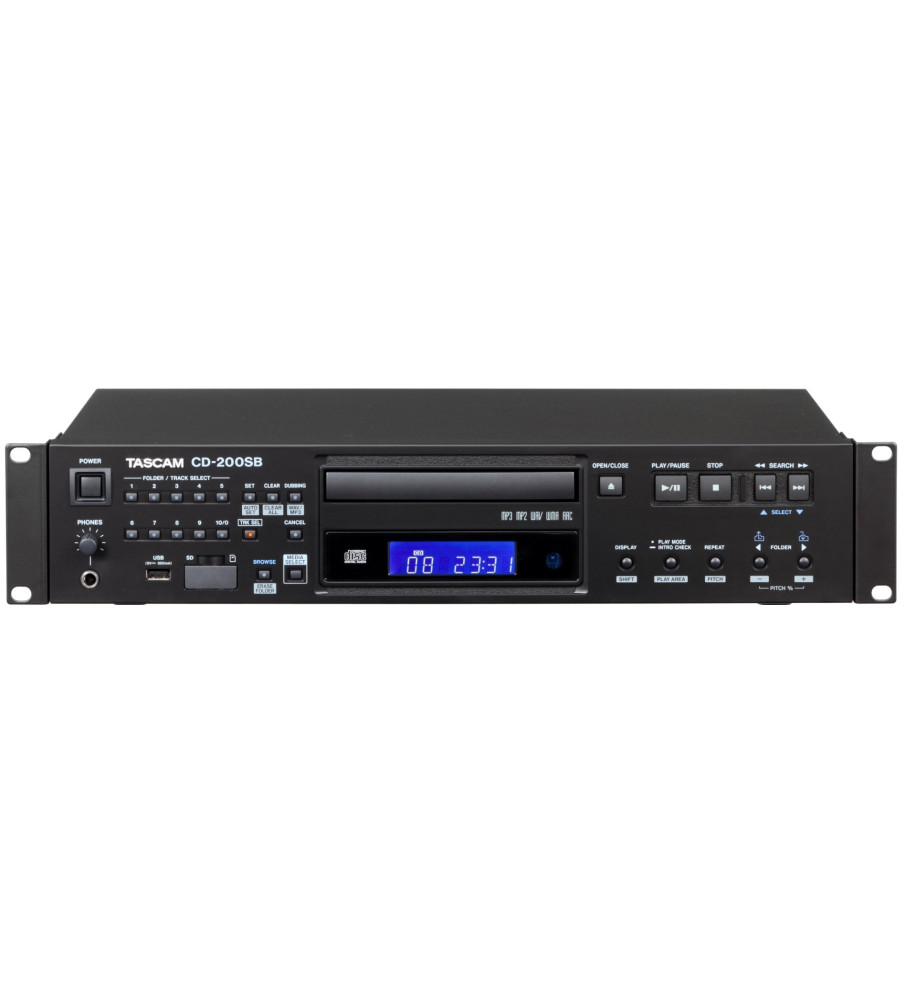
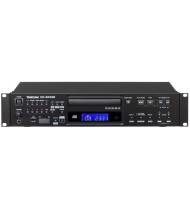
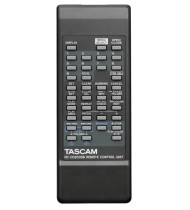
The number keys on the front panel can be used not only to select tracks on a CD but also for direct access to user-defined folders that you select on SD/SDHC cards and USB memory drives. By setting up individual folders like single albums, you can choose folders on solid-state media just like you would choose albums with a CD changer. Assigning folders is easy.
Step1:Press to the [BROWSE] key to enter browse mode.
Step2:Use the [FOLDER] keys to select the folder you want.
Step3:Press the [SET] key and then press a number key to assign the folder to it.
The CD-200SB can convert audio CDs into files by itself. This two-step procedure is simple. Since CD audio is converted into files as the disc plays back, file conversion will be completed as you listen.
Step1:Load the CD and the SD/SDHC card or USB flash drive, and press the [DUBBING] button.
Step2:Use the number keys to select the folder that you want to dub to. If there is no folder, one will be created automatically. After doing this, dubbing will start automatically. When the CD playback stops, file conversion will be complete.

